
Free Excel Template for a Forecast Cash Flow Plan
Certain steps are essential when starting a business. As your company grows, cash management becomes increasingly important. It allows you, in particular, to build accurate projections within your forecast budget and to define the best strategies for your market.
The forecast cash flow plan is therefore an essential tool for business owners and finance professionals. But what exactly is it? And how can you build a free forecast cash flow plan in Excel? We answer all these questions in this article. Feel free to download our free Excel cash flow plan below. It lets you build your forecast cash flow plan by category using your bank flows — it couldn't be simpler.
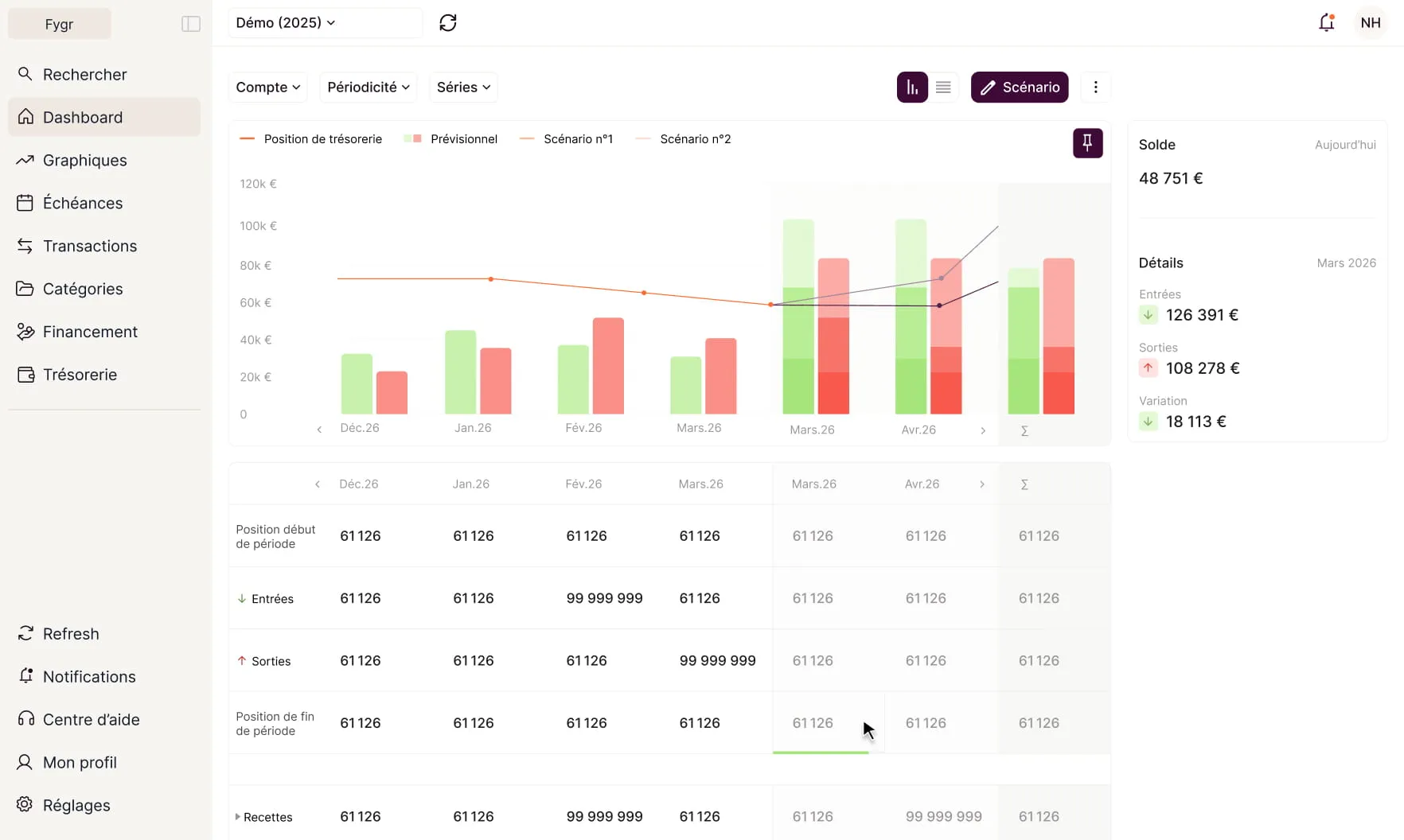
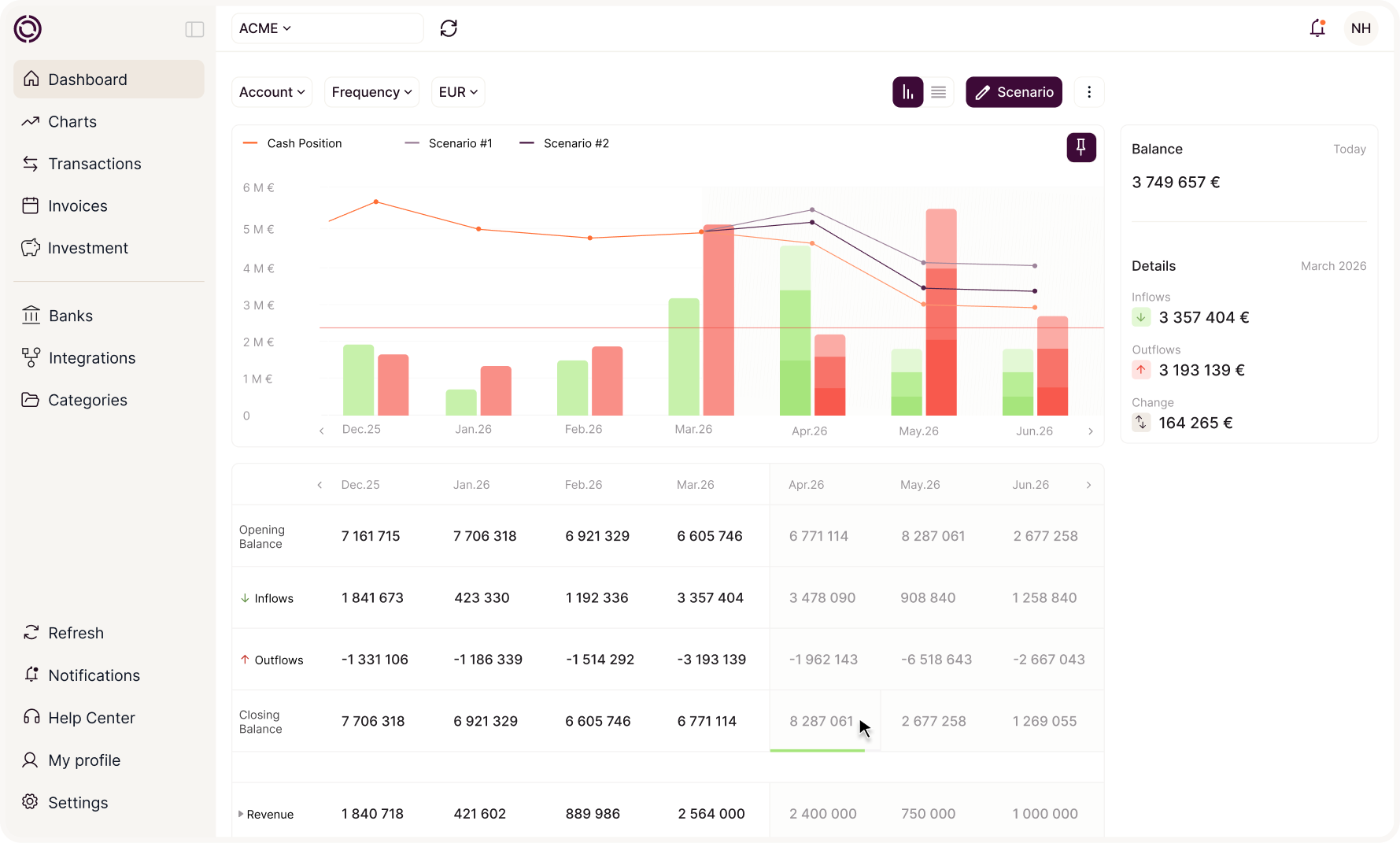
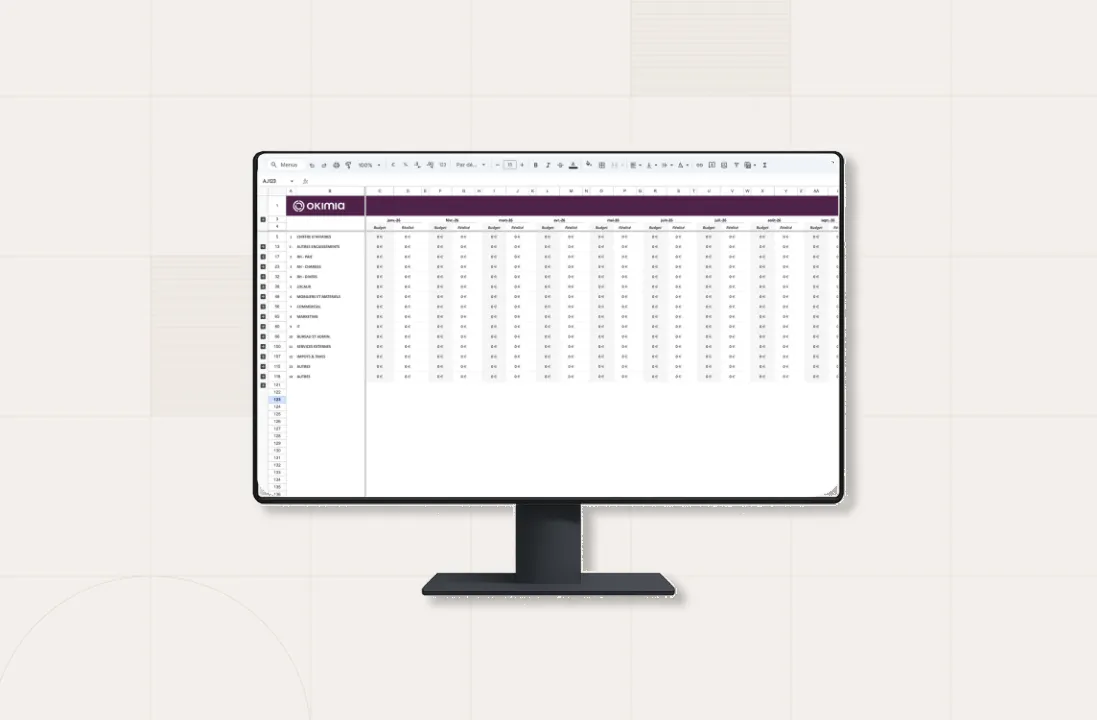
Our Excel template lets you compare monthly actuals with your projections while visualizing your flows through our forecast charts.
The forecast cash flow plan helps you refine your financial and operational strategies and base your discussions and decisions on a solid, quantifiable, measurable, and actionable foundation. By the end of this article, you'll have everything you need to build a rock-solid forecast cash flow plan in Excel!
1. What Is a Forecast Cash Flow Plan?
A cash flow plan is a document used to identify and forecast all cash inflows and outflows for your business — commonly known as expected receipts and expected disbursements.
Receipts and disbursements are broken down by month over the course of a year. Depending on the number of transactions involved, it's easy to lose track and overlook certain items, which could put your business at risk.
The forecast cash flow plan therefore helps your business monitor spending and income while keeping in mind that it is a purely forward-looking tool.
Indeed, unlike financial reporting — which focuses on the accuracy of past receipts and disbursements — the forecast cash flow plan allows you to estimate future cash inflows and outflows and act accordingly.
The purpose of both tools is to compare these forecasts against actual flows in order to refine your estimates and reconsider certain investments if needed.
2. What Is a Forecast Cash Flow Plan Used For?
Building a forecast cash flow plan offers three key benefits:
- Gaining a clear view of your business and making sound strategic decisions
- Improving communication and establishing a shared, solid foundation
- Anticipating risks
Defining a Clear, Tailored Vision and Strategy
A cash flow plan gives you an instant, clear view of your company's trajectory. With a forecast cash flow plan, you can check your cash budget in a single click.
By recording all your cash flows, you can know in advance whether your business can afford a given expense. Far more than a simple Excel spreadsheet, the forecast cash flow plan is a genuine strategic tool.
It is, in effect, a powerful decision-making tool. By relying on data, you can make rational, concrete decisions.
Serving as a Solid Foundation for Communication
We constantly hear about a data-driven culture and data-driven decisions. But what does that really mean? Simply put, it means making decisions based on data rather than intuition. The forecast cash flow plan is a key tool for enriching discussions and making informed decisions.
Hard numbers provide a solid basis for discussions between executives — all the more important in the context of a cash pooling agreement (intragroup). Beyond creating a shared communication baseline within your company, whether among executives or with employees, it also serves as a solid communication tool for external stakeholders such as investors.
For employees, the forecast cash flow plan acts as a summary of the company's future results, giving them a clearer, more precise view of company goals and how they contribute to achieving them.
For other external stakeholders, the forecast cash flow plan serves as a summary of your business activity and potential future profits. In both cases, it acts as a trust-building tool with the people you engage.
Anticipating Risk
Finally, one of the major benefits of a forecast cash flow plan is its use in anticipating risk. First, to ensure your business remains financially healthy, you need to track your cash flows.
This overall view helps you identify potential points of friction or areas of high risk. In the event of a crisis, you'll be able to build a survival plan and know which expenses to cut first.
More broadly, a forecast cash flow plan also helps you anticipate seasonality in your business — which can, for example, affect a restaurant forecast. During slow periods, you'll know how to react, having already built an effective strategy through analysis of your forecast cash flow plan.
In times of uncertainty — whether due to a health crisis or the current geopolitical and energy crisis — you'll feel more confident when calculating cash flow in the face of potential swings in revenue and expenses.
3. Which Tools Should You Use to Manage Cash Flow?
Cash management software or an Excel spreadsheet: which solution should you choose?
Managing cash flow requires the right tools to ensure a clear, accurate view of financial movements. Entrepreneurs and businesses generally have two main options: dedicated cash management software or an Excel spreadsheet.
Cash Management Software: A Complete Solution
Cash management software automates calculations and tracks receipts, disbursements, and remaining balances in real time. It often includes advanced features such as:
- Building a forecast cash flow table by category (rent, invoices, loans)
- Alerts on cash flow variations and payment deadlines
- Integration with your bank account to automatically sync transactions and obtain a cash balance
The Excel Spreadsheet: A Flexible Template
A well-structured Excel spreadsheet remains an accessible and effective option for early-stage entrepreneurs or small businesses. It's ideal for:
- Building a custom forecast budget, incorporating indicators such as the forecast break-even point
- Analyzing financial flows month by month using dedicated tabs, and comparing them against your forecast balance
- Quickly adapting the file to your specific needs (for example, adding a column for payment terms)
Tip: If you're looking for an intuitive tool to get started, opt for a free Excel template. If you need a real-time, automated solution, cash management software is the smarter choice.
4. How Do You Build a Free Forecast Cash Flow Plan?
For the receipts budget, you'll need: your forecast revenue calculation (including tax), capital and current account contributions, financial income, grants, and tax refunds.
For the disbursements budget, you'll need to account for several items: purchases (including tax), overheads (including tax), investments, salaries, taxes and duties, financial charges, capital reductions, and withdrawals of current account contributions.
This may all sound complicated, but with Okimia, all you need to do is:
- Import your historical financial and banking flows
- Define a custom category tree for income and expenses
- Build your own forecasts
- Compare your actual cash position directly against your forecast
That's not all — at Fygr, we also share a few best practices to help you make the most of your cash flow plan.
- First, and as you might expect, the forecast cash flow plan must be updated regularly — otherwise, the quality of your decision-making will suffer. To keep it relevant, make sure it's updated consistently. To do this, choose a flexible and easily adjustable template.
- Second, keep in mind that a forecast cash flow plan is unique and specific to each business. The plan used by your co-working neighbor won't look like yours. When building your forecast cash flow plan, it's important to factor in the specifics of your market and your company.
Third, your forecast cash flow plan should be realistic, based on reasonable assumptions, so as to produce achievable forecasts. The opposite could damage your company's credibility and image, in either direction. If you're seen as too unambitious, or as unrealistic and immature about your business, you risk losing the trust of your investors and colleagues.
5. How Do You Share Your Forecast Cash Flow Plan?
Once you've built your forecast cash flow plan, the next step is sharing it with the right stakeholders. Nothing could be simpler! You can use Okimia's editorial PowerPoint template to make sharing your information easier:
In just a few steps, you'll have everything you need to help your business thrive. To prepare the written portion of your forecast cash flow plan, simply:
- Fill in the different sections of the deck.
- Customize each page with your own content.
- Share the document with your partners (investors, bankers, colleagues, accountants, etc.).
This way, you can get the most out of your cash flow forecast.
You now have all the tools — or rather, all the formulas — you need to build a rock-solid forecast cash flow plan. With our customizable Excel template, you can strengthen your financial projections and gain confidence in managing your cash flow, starting today.
6. Why Download This Excel Cash Flow Plan Template?
This free Excel template was designed with input from several chartered accountants to help you easily build a forecast cash flow plan, whether you're running a small business, a startup, or in the process of launching an entrepreneurial venture.
By clicking the download button, you'll get a ready-to-use Excel document organized into tabs, allowing you to:
- Track your income (grants, capital contributions, monthly revenue, tax refunds) and your expenses (purchases including tax, salaries, charges, taxes, etc.)
- Anticipate your company's cash flow fluctuations and manage your balance month by month
- Visualize your cash flows through a clear, concise Excel table with built-in automated formulas
- Better manage seasonality, unexpected events, spending, and financial forecast budgets
7. What You'll Find in This Cash Flow Table
- A fully customizable Excel template
- A clear distinction between receipts and disbursements
- Monthly tracking of variations, with columns for both forecasts and actuals
- Dynamic charts to visualize the reality of your cash management
- Categories broken down by expense line, such as investments, salaries, taxes, debt repayments, and more
Discover Okimia
A complete platform to automate and optimize your cash management. Cash tracking, supplier payments, surplus cash investment: everything you need, in a single interface.