Connect your HubSpot account to Okimia
HubSpot users, take your cash management and forecasting further with Okimia.
Sync your customer and supplier invoices for real-time cash tracking.
Connect HubSpot to Okimia
Okimia lets you take your company's cash tracking, management, and forecasting further. Connect your HubSpot CRM to automatically sync your invoices, quotes, and sales opportunities into your cash flow forecast, in real time.

Sync your invoices, quotes, and sales cycle stages for real-time cash tracking
Once your accounts are connected, every update in HubSpot automatically updates your cash flow forecast in Okimia.

Manage your invoices in HubSpot
In HubSpot, continue managing all your customer invoices and supplier due dates as usual.

They're automatically imported into Okimia
As soon as an invoice is updated in HubSpot, its status is also updated in Okimia.

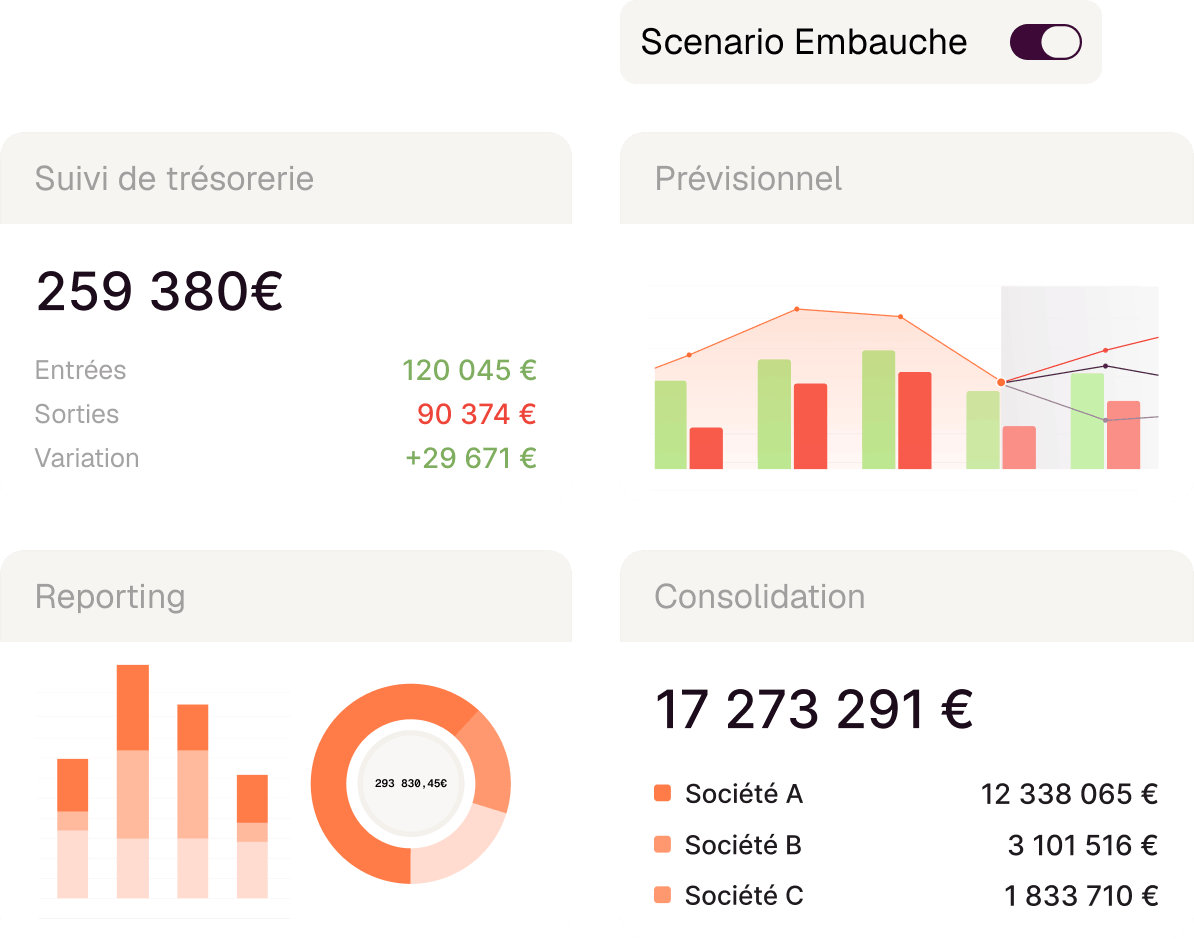
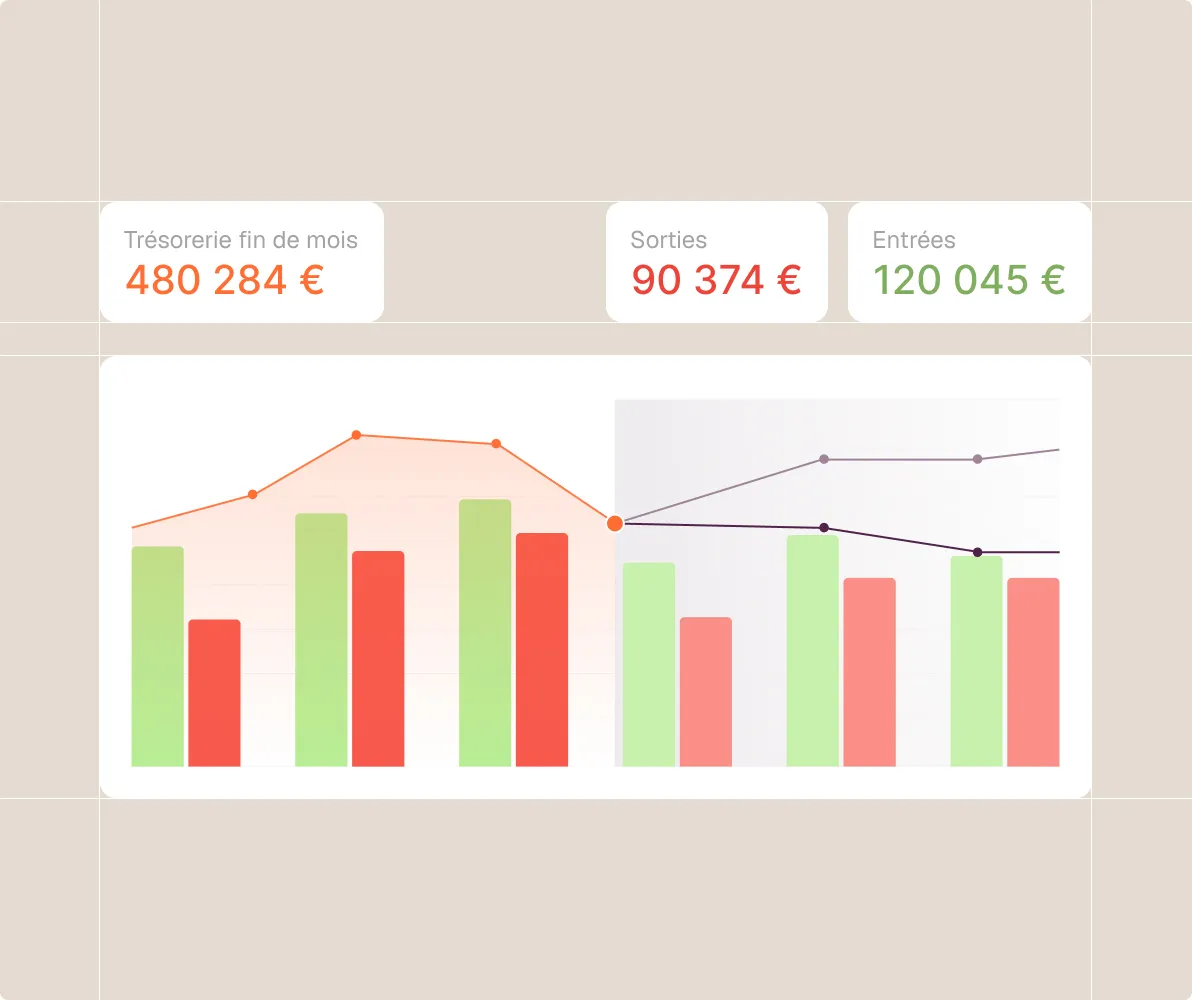
Your cash flow forecast, always up to date
Your invoices automatically feed into your cash flow forecast in Okimia.
Okimia centralizes and automates your cash management...
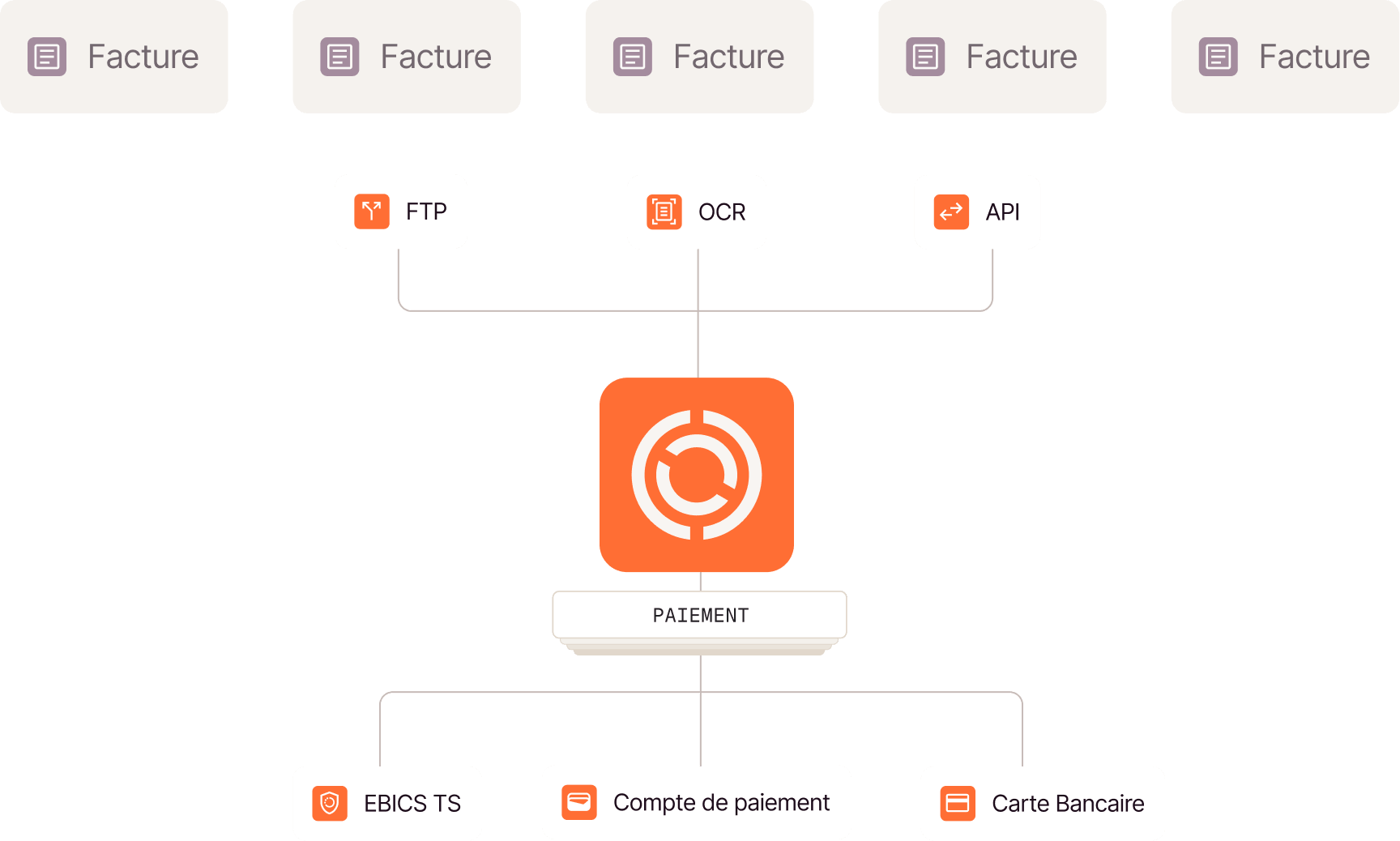
...simplifies your supplier payments...
Centralize your supplier payments and issue virtual or physical cards with usage rules that you define.
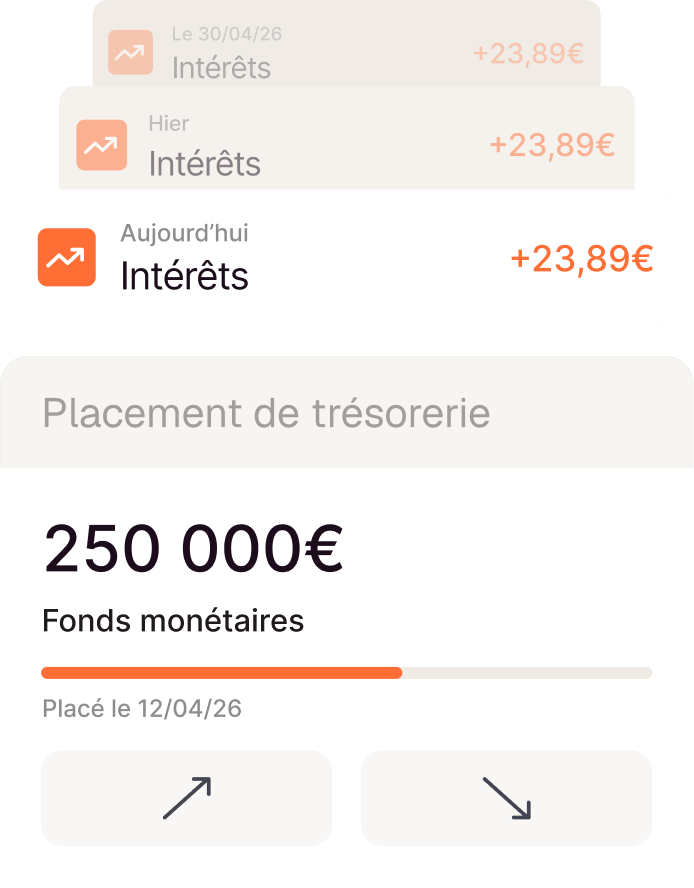
...and puts your cash to work!
From Okimia, access a risk-free rate in one click and earn interest paid daily. Withdraw your funds in under 24 hours, with no fees.
We're here to help

Have more questions?
Don't hesitate to contact our teams.
I already have a HubSpot account — how do I create an Okimia account?
The integration is available to all HubSpot customers. If you're already a HubSpot customer but not yet an Okimia customer, you can schedule a meeting with one of our experts who will walk you through Okimia, help you create your account, and guide you through connecting the integration.
What changes in my day-to-day use of HubSpot?
Nothing changes for your teams. Everyone continues working in HubSpot as before. Okimia is a management layer that is added, used daily only by those who manage cash: CFO, Finance Manager, CEO, management controller.
Is the integration available on all Okimia plans?
The integration is available only to customers on an Enterprise plan.
How long does it take to get up and running?
The integration is set up with support from our team, and an integrator if you have one: once access is configured, an automatic file transfer is scheduled at your preferred frequency (usually daily). Allow a few days between signing up and the first effective sync. Once the initial retrieval is complete, your cash tracking and forecast are operational in Okimia.
Activate this integration now
Start syncing your data in just a few clicks and save time.