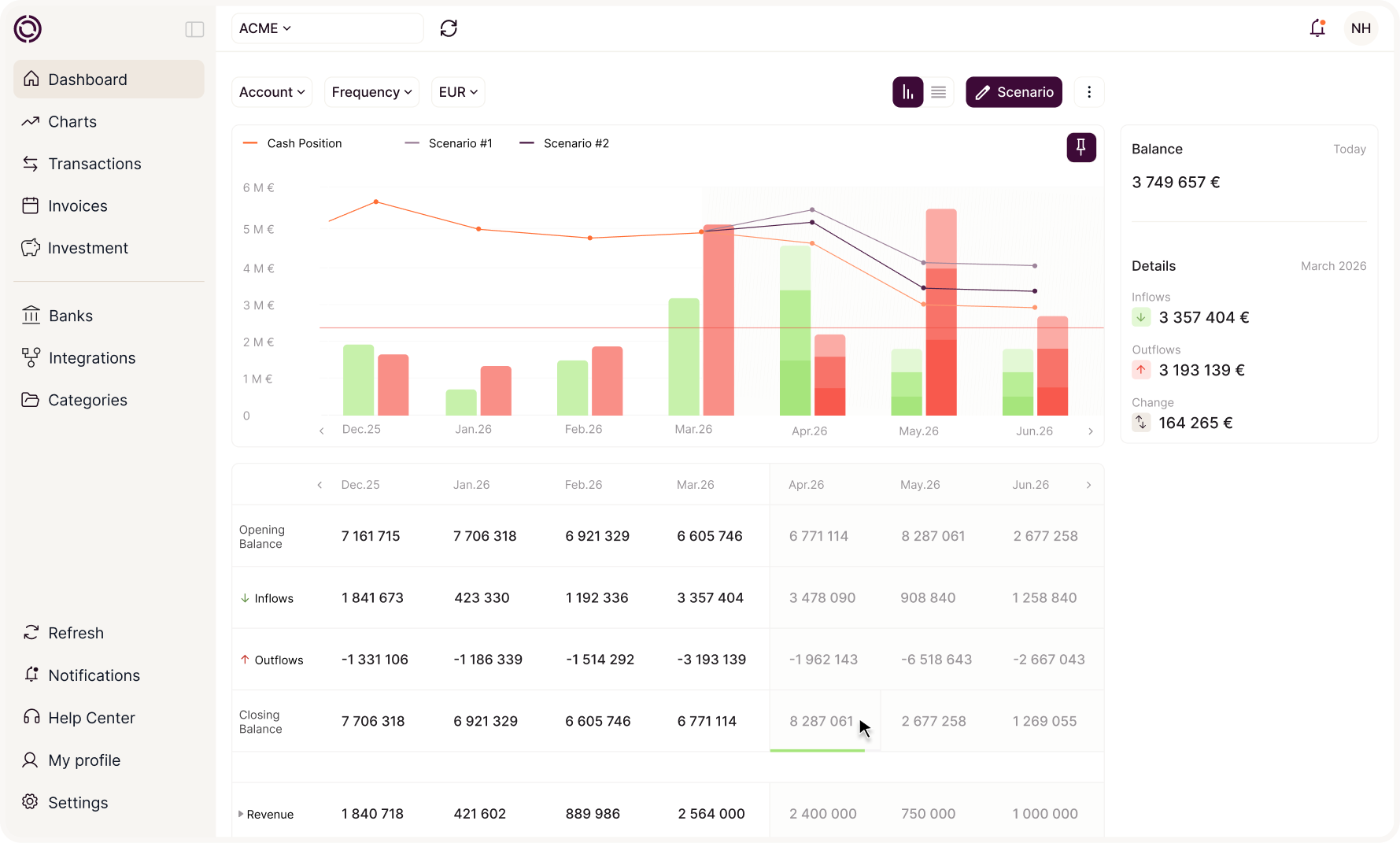
Your treasury, accessible in your tools and through your AI agents


4.9/5
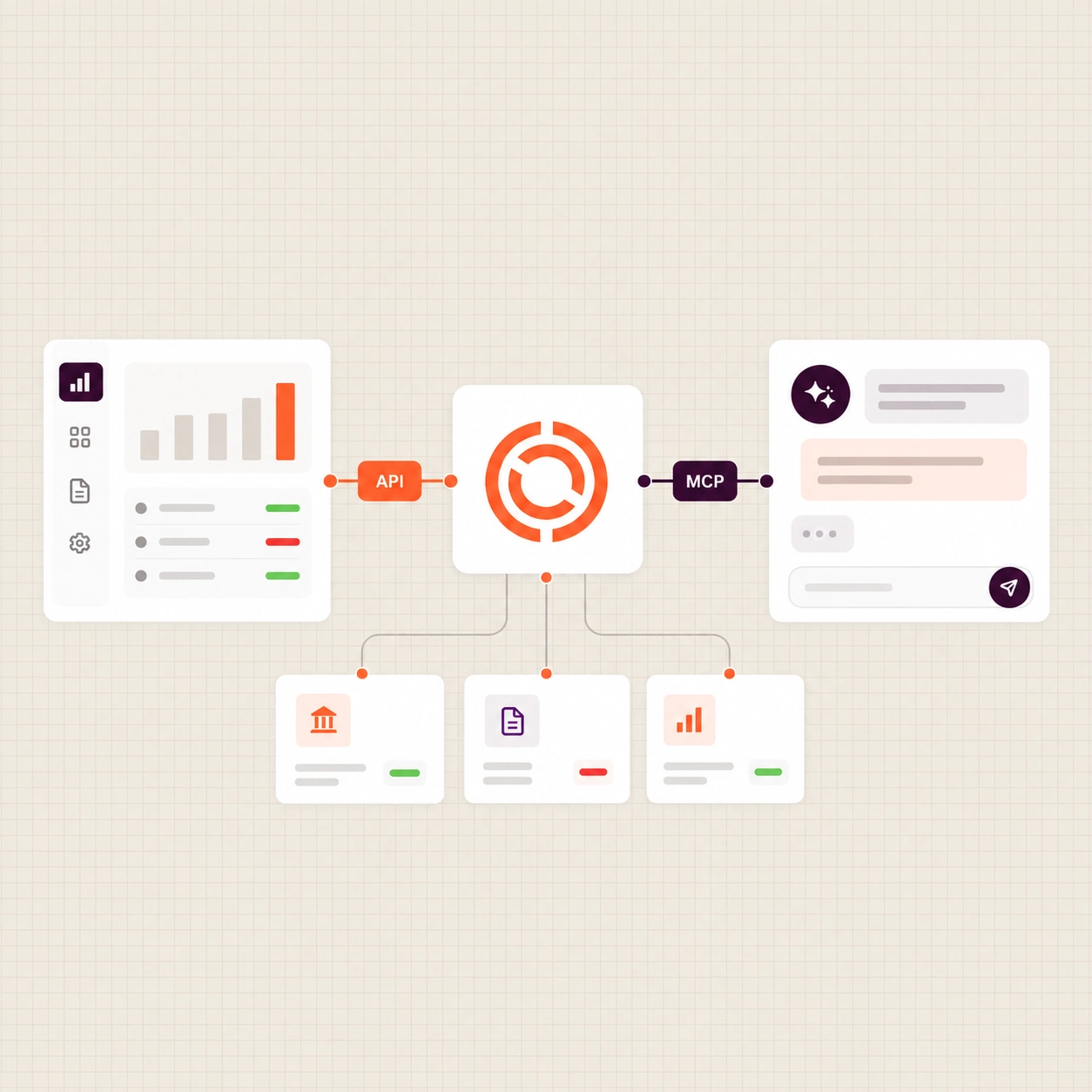
Okimia makes your data available in 2 ways: an API to connect your tools, and an MCP server to connect your AI agents.












Your treasury data is everywhere except in the same place
Your account balances live in your banking applications. Supplier invoices sit in your ERP. Forecasts are scattered across separate spreadsheets. As long as this data remains fragmented, no tool or AI agent can give you immediate answers. Your account balance lives in your banking applications.
Okimia brings them together in one place, continuously, so you can monitor your cash flow in real time, automate your bank reconciliations and trigger your payments based on your available balance.
One piece of data, 2 ways to access it
Through the API, your financial data communicates between your different tools. You automate your financial processes: generate accounting entries from your purchases, trigger your treasury payments, feed your reporting.
Through Okimia's MCP server, your AI agents access your treasury data securely and read-only, directly from the conversation. You ask your AI agent a question — it gets the answer from Okimia, without manual intervention.
An API to connect your tools
The API is designed for your developers and integrators:
- They automate your financial processes via code
- They can create payments, generate entries, feed your reporting…
.webp)
An MCP server for your AI agents
The MCP is a standard protocol that allows your AI agent to access directly your treasury data. Unlike the API, it is read-only: your AI agents can query your treasury, but cannot trigger actions.
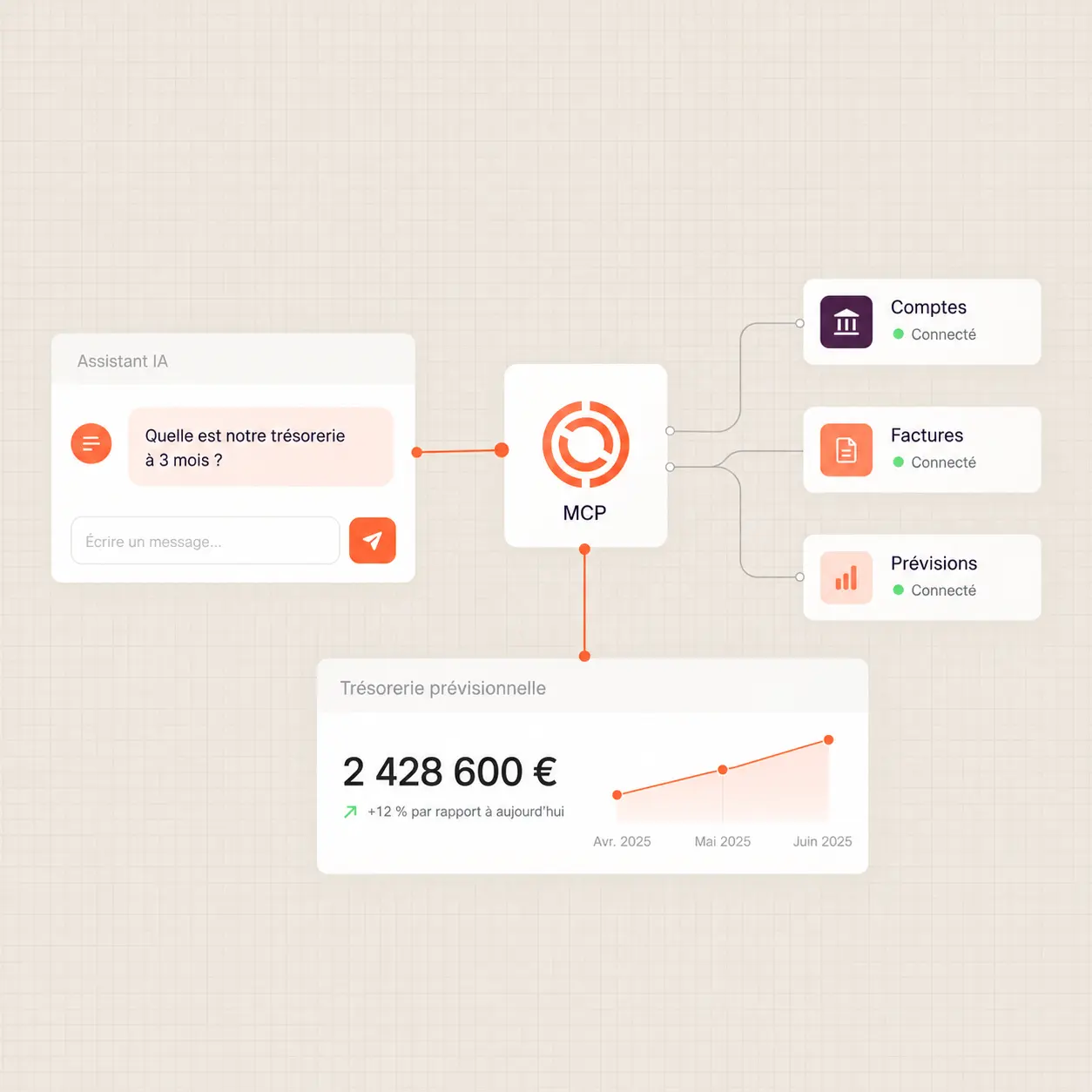
Scoped access, company by company
Every access is limited to your treasury data in read-only mode. Whether you manage one company or a group of multiple entities, your data remains securely separated.

.svg)


100% GDPR compliant
Your data is hosted in Europe, with AWS in Frankfurt. Our processes are fully GDPR compliant.

Trusted partners
Whether for aggregating your banking data, executing your payments or investing your cash, our partners are carefully vetted.

Registered with ORIAS
Okimia is registered as a COBSP (Banking Operations and Payment Services Broker) and a CIF (Financial Investment Advisor).
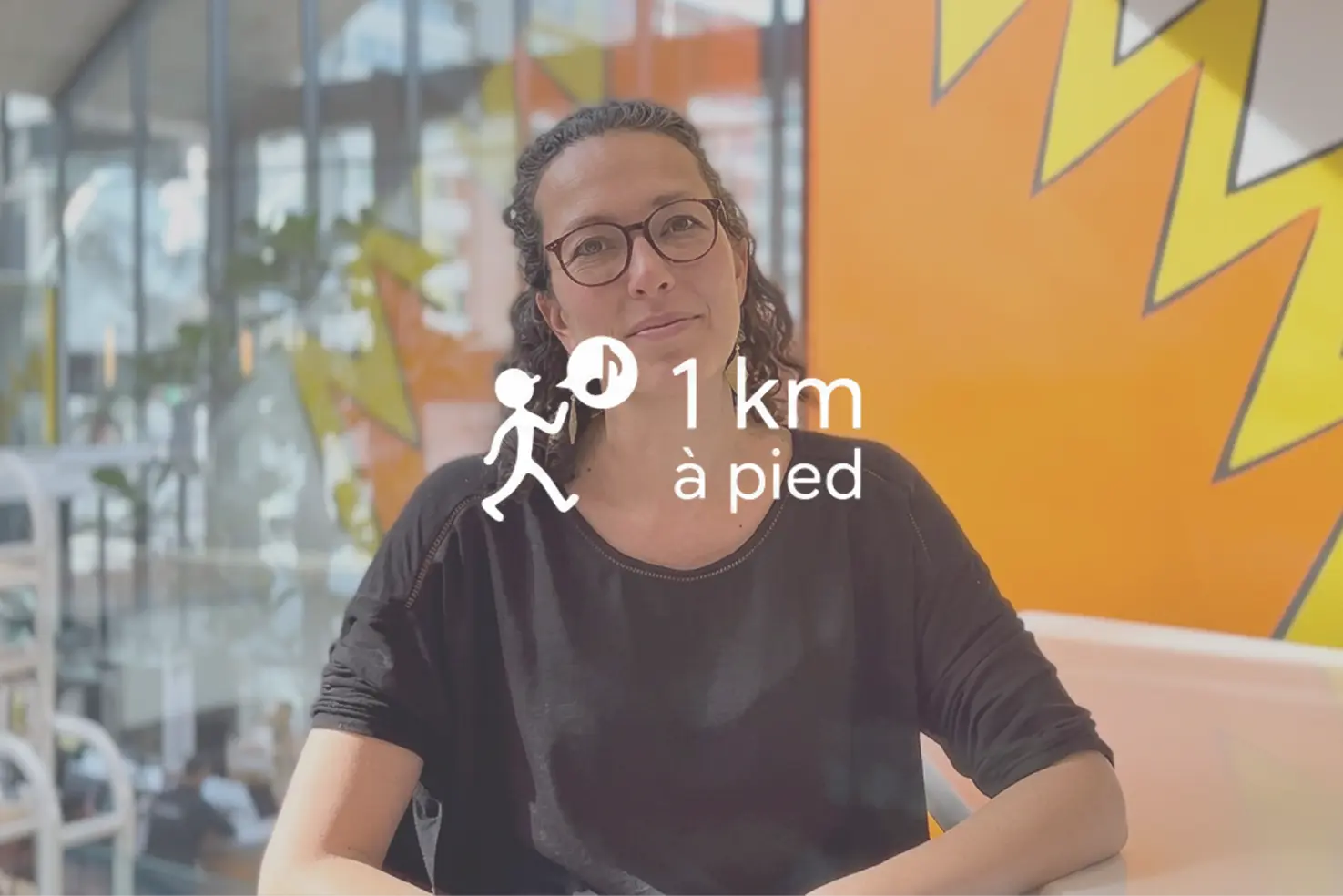
They replaced their spreadsheet and they're not going back.
.webp)


We're here to help
Have more questions?
Don't hesitate to contact our teams.
How do I use the Okimia API?
All the documentation is available in our dedicated article.
How do I connect Okimia to an AI agent using the MCP server?
The MCP server connects the Okimia API to your AI agents (Claude, ChatGPT, Cursor, etc.), allowing them to query your data directly. To connect them, read our dedicated article
How do I use the Okimia API?
The Okimia API allows you to retrieve your cash flow data and manage your operations from your own applications, scripts, or business tools. To learn more, read our dedicated article
How do I create an API key?
To generate an API key from your settings and connect Okimia to your tools and AI agents, read our dedicated article
What's the difference between the API and the MCP server?
The API is for code written by a developer: HTTP requests, JSON responses. The MCP server is for an AI assistant used in plain language, which can chain several calls on its own to answer a question. Both draw on the same data.
Can the API or the MCP server trigger actions, like a transfer?
Not today. Both are read-only: they let you check your accounts, transactions, invoices, or forecast, but no action (transfer, invoice creation) can be triggered through them.
How do I get access?
The token is generated directly from your Okimia account, under "API Keys." It's tied to your company and to the permissions you grant it.
Is this compatible with Claude, ChatGPT, or another assistant?
The MCP server follows a standard protocol, designed to be compatible with the leading AI assistants on the market.
Request a demo
30 minutes with a specialist who will set up Okimia for your business. They will answer all your questions and show you the product in real-world conditions.
Free trial
Create your account and connect your banks in 5 minutes. 7 days free to explore Okimia at your own pace, no commitment.