Connect your Wise account to Okimia
Wise users, retrieve detailed incoming payment flow data (by customer, by product) for more accurate cash reporting in Okimia.
Connect Wise to Okimia
Okimia lets you take your company's cash tracking, management, and forecasting further. Connect your Wise account to automatically sync your multi-currency flows into your cash flow forecast, in real time and with no manual re-entry.
Sync your Wise transactions with Okimia
Once your WISE account is synced with Okimia, your Wise transactions automatically flow into Okimia in real time.

Import automation
Streamline your workflow by automating the import of your Wise data into Okimia.

Transaction management
Track and summarize all your Wise flows in detail.

Customer invoice projection
Build your cash flow forecast in just a few clicks, and easily test alternative scenarios.
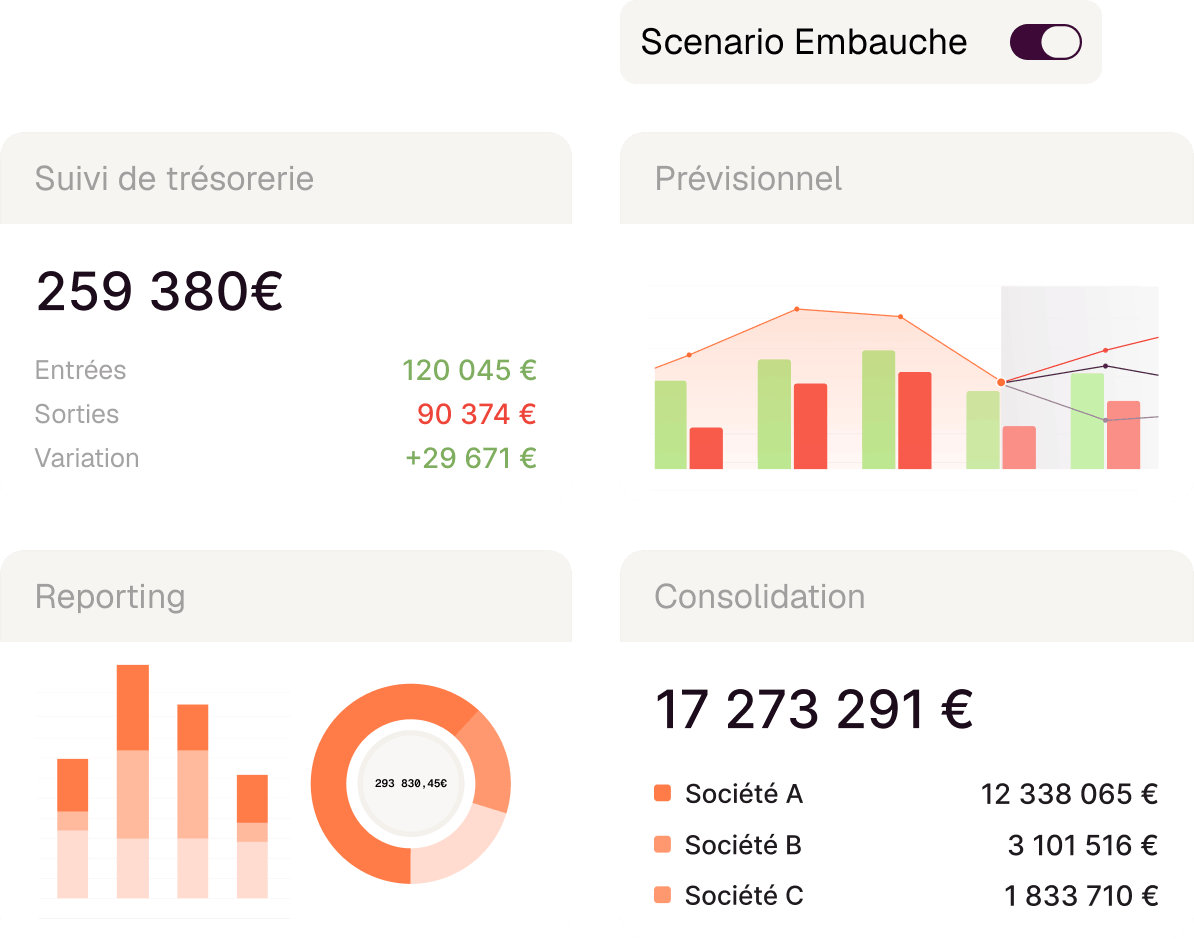
Okimia centralizes and automates your cash management...
Real-time tracking. Tailored forecasting. Instant reporting. Multi-entity consolidation. All on one platform designed for finance teams who want clarity.
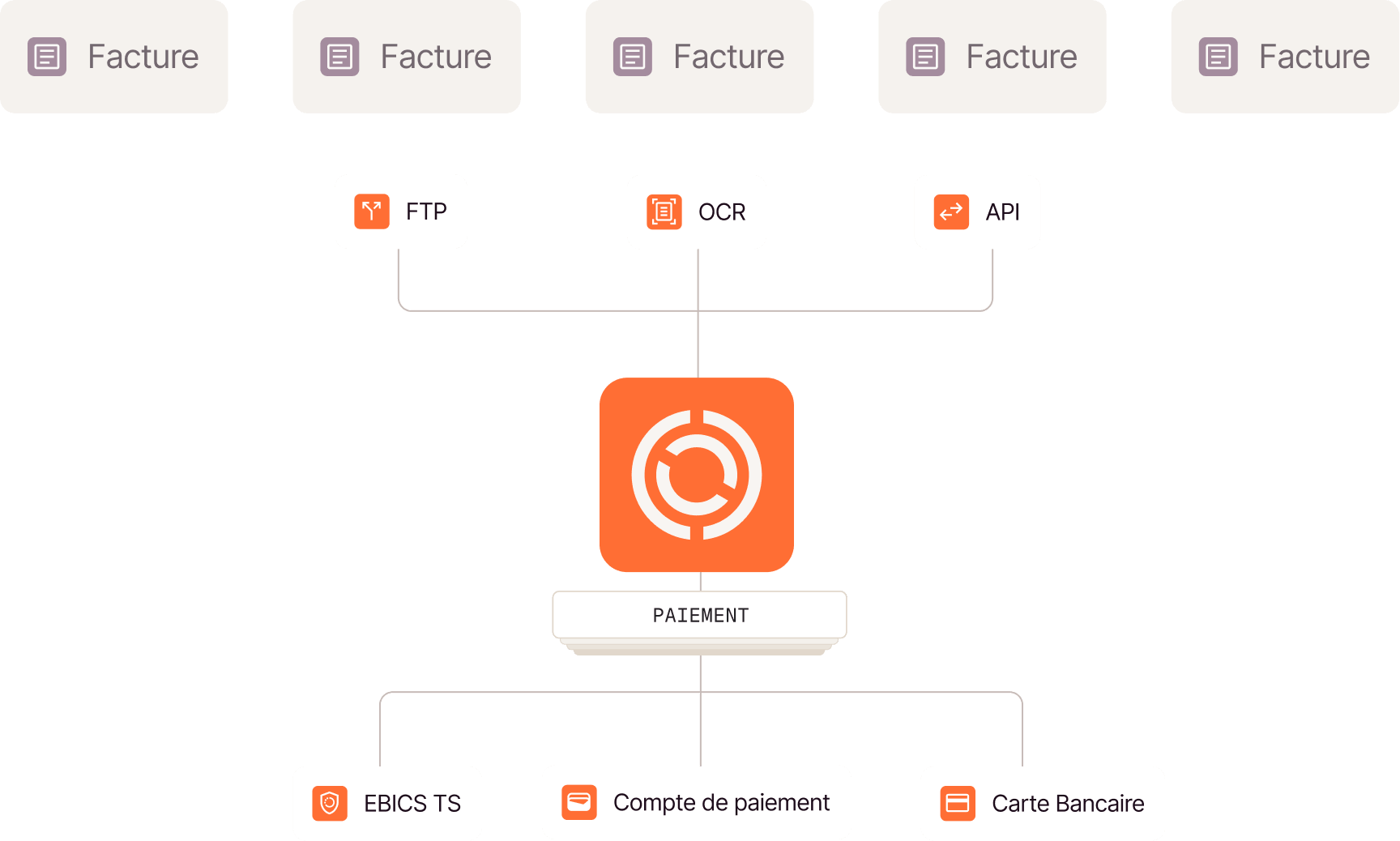
...simplifies your supplier payments...
Centralize your supplier payments and issue virtual or physical cards with usage rules that you define.
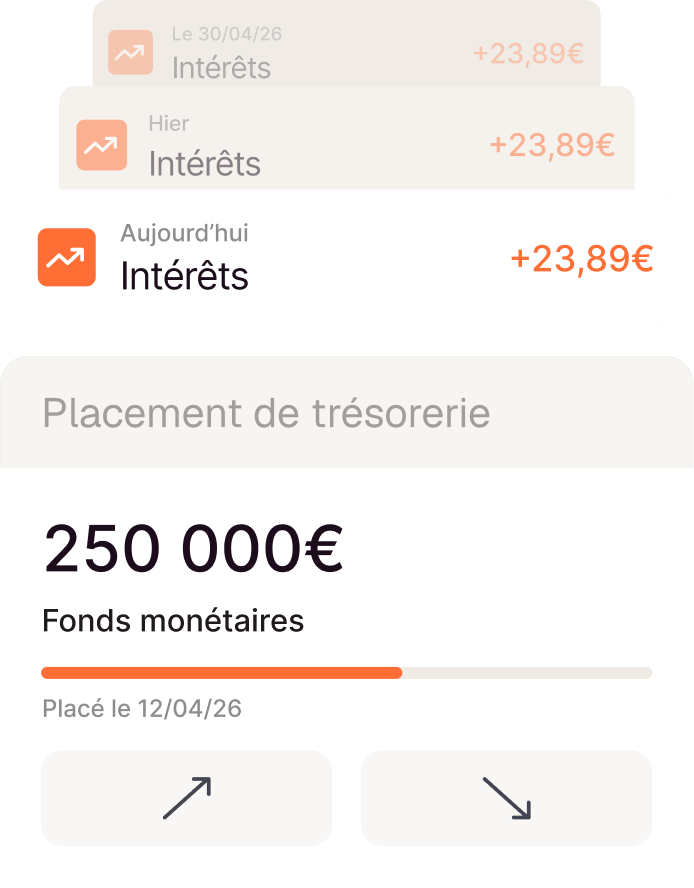
...and puts your cash to work!
From Okimia, access a risk-free rate in one click and earn interest paid daily. Withdraw your funds in under 24 hours, with no fees.
We're here to help

Have more questions?
Don't hesitate to contact our teams.
I already have a WISE account — how do I create an Okimia account?
The integration is available to all WISE customers. If you're already a WISE customer but not yet an Okimia customer, you can create an Okimia account here: https://app.okimia.com/. Once the account is created, make sure to retrieve your WISE API key (in the "Integrations" section) and copy-paste it into Okimia (at https://app.okimia.com/partner/selection) to link the two tools.
What changes in my day-to-day use of WISE?
Nothing changes for your teams. Everyone continues working in WISE as before. Okimia is a management layer that is added, used daily only by those who manage cash: CFO, Finance Manager, CEO, management controller.
Is the integration available on all Okimia plans?
The integration is available to all Okimia customers, regardless of their plan.
How long does it take to get up and running?
The connection takes a few minutes. The initial retrieval of transaction history then takes anywhere from a few minutes to a few hours depending on volume. You can start exploring your cash tracking and building your forecast as soon as the initial sync is complete.
Activate this integration now
Start syncing your data in just a few clicks and save time.