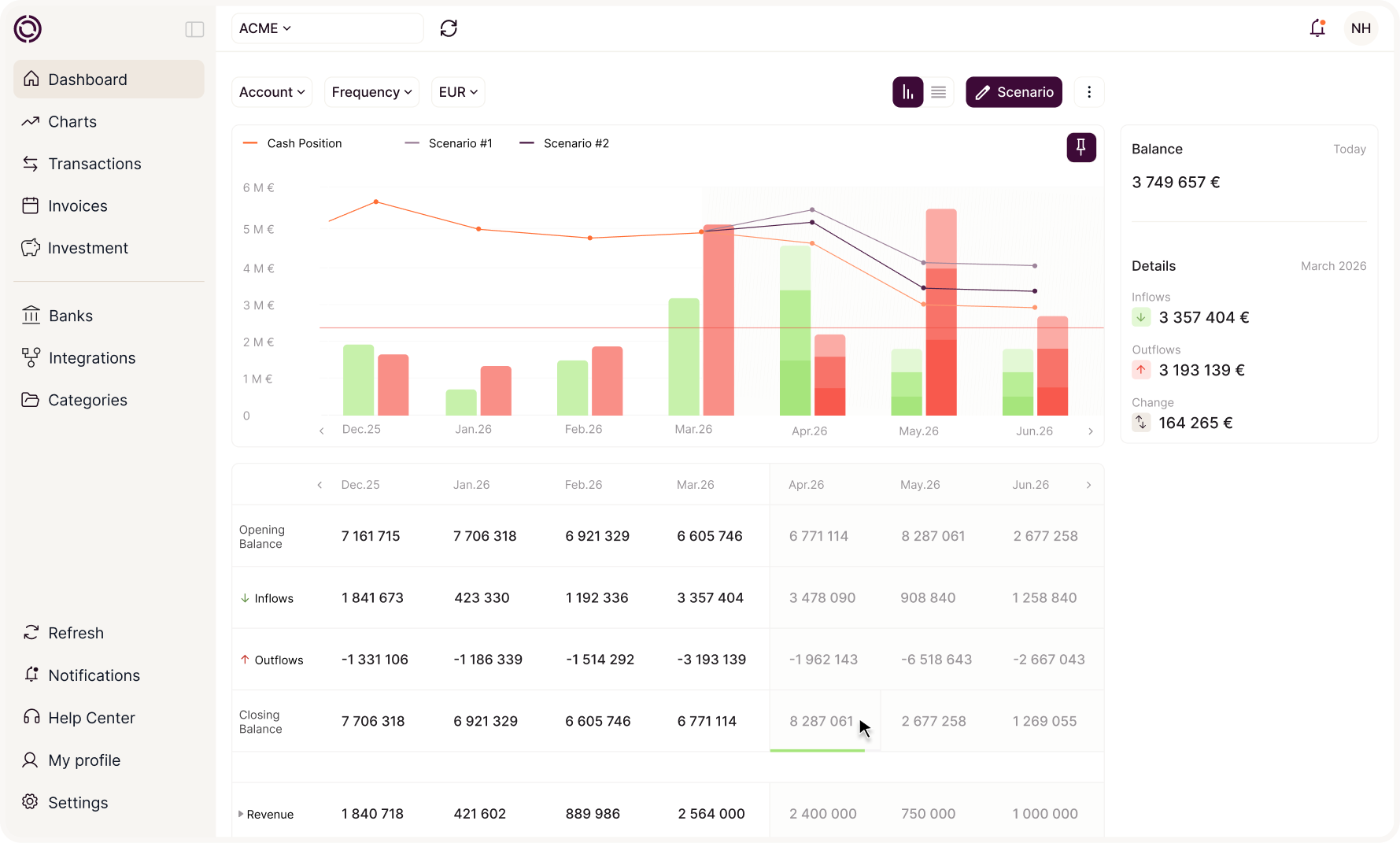
Treasury and AI: the use-case guide for SME finance directors
Reports, alerts, payment reminders, analyses: see what an AI agent connected to your treasury can do, and the conditions needed for it to give accurate answers. The guide brings together 19 ready-to-use prompts.
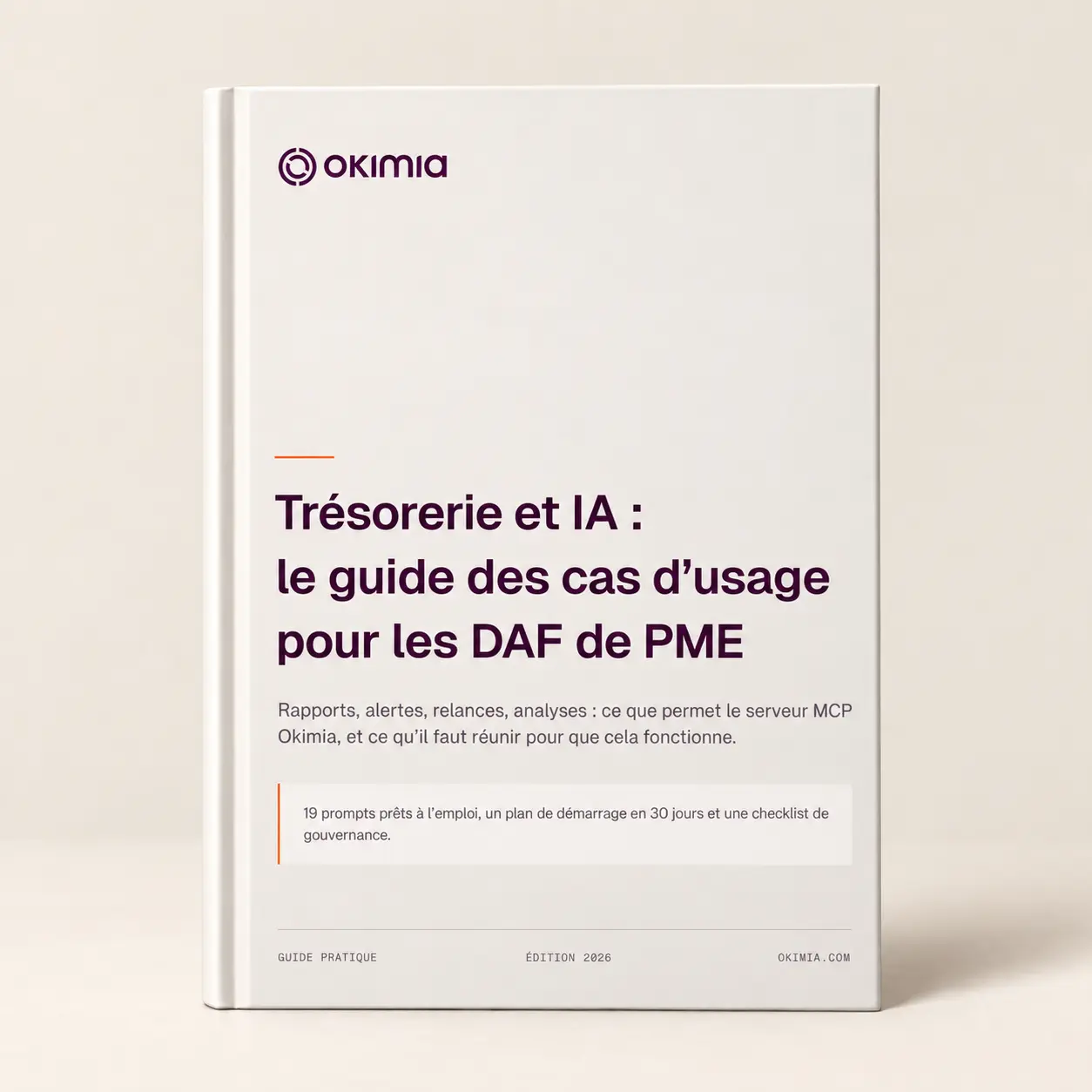
What you will get from the guide
How do you get an AI agent to give reliable answers on your treasury, what conditions should be in place before you open access, and which prompts should you use?
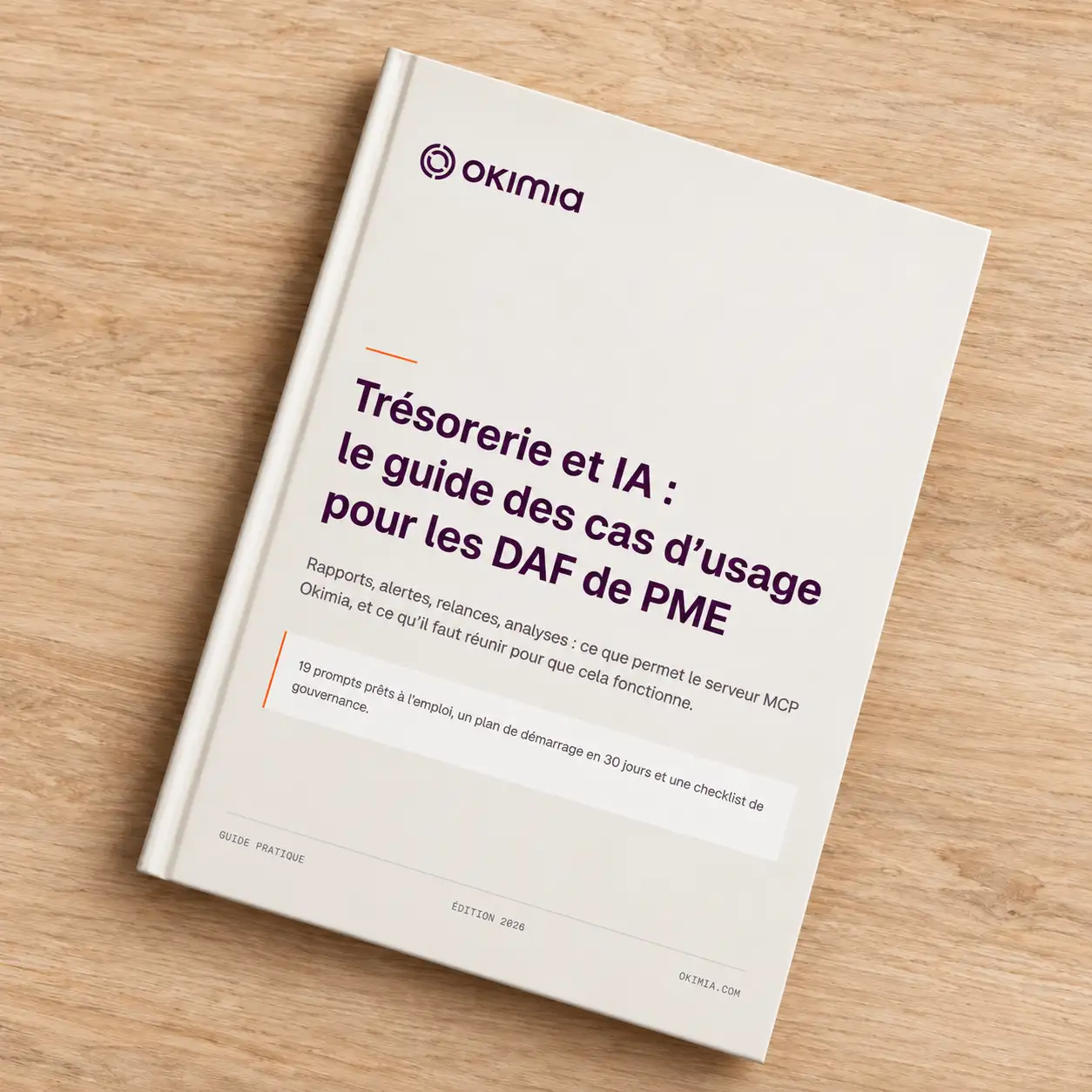
Inside: nothing but practical content
Use cases organised by function, the mistakes to avoid, and prompts compatible with your tools.

5 families of use
Producing a report, receiving alerts, triggering actions, analysing, and opening up information to your teams. Each family sets out what it requires on the Okimia side.
Prerequisites and mistakes
3 prerequisites that determine the quality of the answers, and six common mistakes, each with its warning sign and its fix.
Compatible with your agent
The prompts carry over to Claude, ChatGPT, Mistral or Copilot without modification. The output varies depending on the agent and how precise your request is: the guide tells you what to specify.
For finance teams and SME leaders who want to change how they work
This guide is for CFOs, finance and administration managers, business owners and outsourced CFOs who want to structure their finance function, connect their tools better or start using AI in how they steer the business.
It will be particularly useful if your data is scattered, if your reporting relies on manual handling or if you are unsure which tools to put in place. The aim: identify your next step and move forward gradually, based on your company's real needs.
We're here to help
Have more questions?
Don't hesitate to contact our teams.
Who is this guide for?
Finance leaders at SMEs with more than €5m in revenue, typically with multiple bank accounts and often multiple entities. The use cases are also relevant to general management and operational teams.
Which AI agents do the prompts work with?
Any agent that can set up a custom connector can be connected to the MCP server: Claude, ChatGPT, Mistral, Copilot. The prompts in the guide are presented using Claude and can be adapted to the other agents. Results vary from one agent to another, and they are more consistent when the prompt specifies the time period, scope and expected format.
Do you need to know how to code to connect an agent?
No. The MCP server requires no custom development. Connection tutorials are available in the MCP server documentation.
Request a demo
30 minutes with a specialist who will set up Okimia for your business. They will answer all your questions and show you the product in real-world conditions.
Free trial
Create your account and connect your banks in 5 minutes. 7 days free to explore Okimia at your own pace, no commitment.